Troubleshooting
Common fixes for offline agents, empty maps, TLS/MITM failures, SSO loops, and permission issues.
Offline agent
Symptoms: machine missing or not Online under Installed agents.
Check:
- Windows: NP4th service Running (scheduled probes while the PC is on); tray
NP4th.exefor the signed-in user (UI / dashboard run-now). - macOS: launchd label
com.didurlabs.np4thloaded; agent binary/Applications/NP4th.app/Contents/MacOS/NP4th --agent. - Agent key still enabled under Settings → Agent keys.
- Outbound HTTPS to
https://app.np4th.com(proxy/firewall allowlist). client-config.jsonhas the correcttenantSlug,clientKey, andapiBaseUrl.
Online requires a heartbeat or run upload within about 15 minutes.
Agent never updates (Windows)
Silent updates use the LocalSystem service (no UAC). The tray only signals ProgramData\NP4th\updates\check-now.flag.
services.msc→ NP4th is Running (reinstallNP4thSetup.exeif missing). The service also relaunches a missing tray after updates.- Confirm tray Automatic updates is checked (default on). Manual Check for updates still works when it is unchecked.
- From the dashboard Installed agents page, use Force update on online Windows agents, or tray Check for updates, or sign out/in so the tray requests a check at login (when automatic updates are on). Stable checks about every 6 hours; nightly hourly.
- Server has published
NP4thSetup.exe+version.txtnewer than the installed agent. - Status file (optional):
%ProgramData%\NP4th\updates\update-status.txt. - Tray tooltip / About shows
vX.Y.Z. After a silent update you should see an NP4th updated balloon.
Tray icon missing (Windows)
- Confirm
NP4th.exeis running (Task Manager). If not, start NP4th from the Start menu once — Startup / HKCU Run should keep it after reboot. - If a silent update just ran, wait up to a couple of minutes for the update service / NP4thWatchdog scheduled task to relaunch the tray, or sign out/in.
- Check the notification overflow (^) — Windows may hide new icons.
- Avoid launching multiple copies; a second start focuses the existing tray window.
Installs register a SYSTEM task NP4thWatchdog (every 3 minutes) that restarts the update service if a silent Setup left it stopped, and requests a tray relaunch when NP4th.exe is missing.
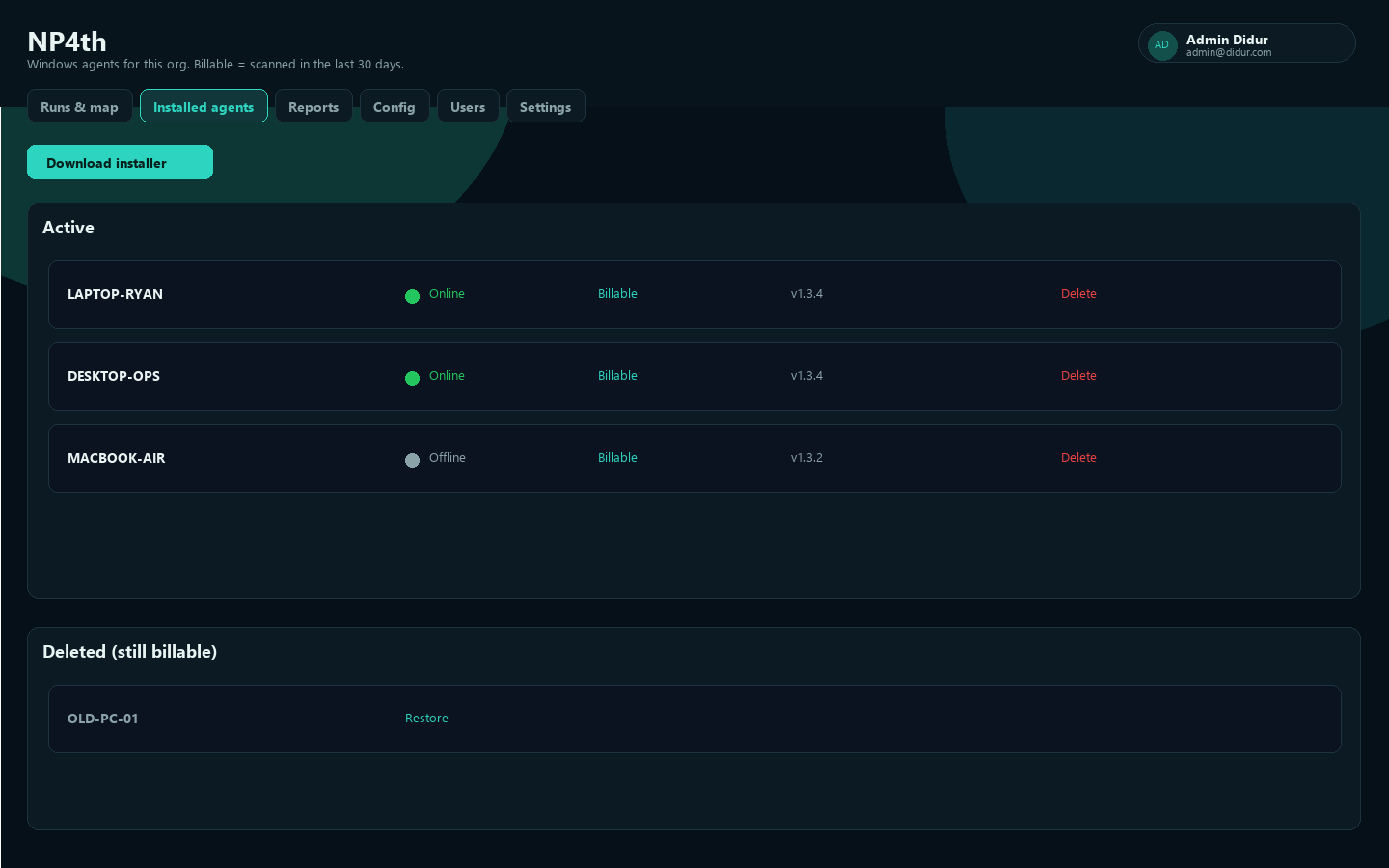
Empty map / no hops
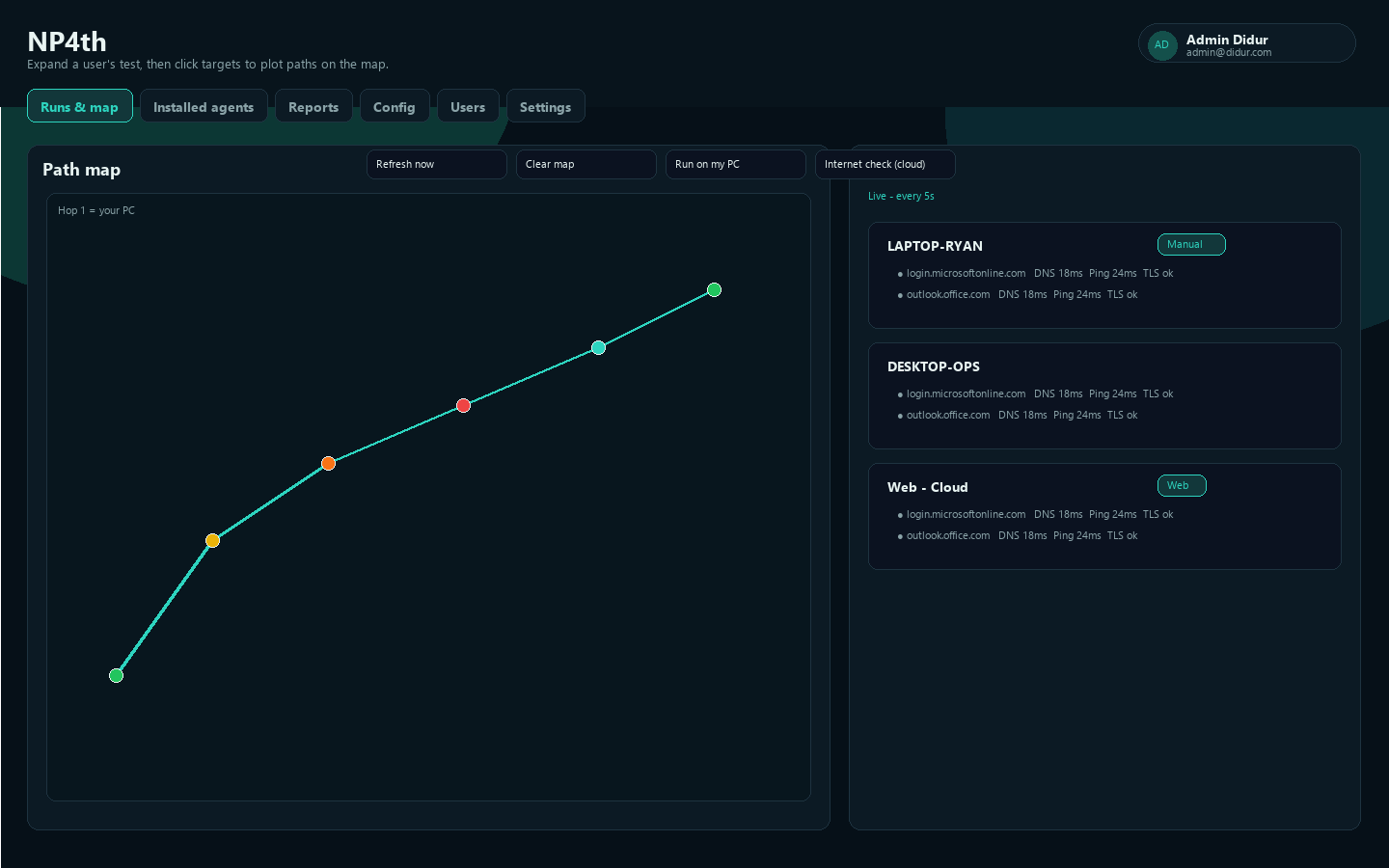
Symptoms: Runs show latency but the Path map is empty.
- Expand a computer under Test runs, then click a target to plot paths.
- Private/reserved hops are skipped for geo—you may see fewer plotted points than traceroute hops.
- Ensure the target has Trace enabled in Config → Targets, and that agents synced after you saved.
- Use Clear map then re-select targets if the layer looks stale.
TLS / MITM failures
Symptoms: TCP succeeds but TLS fails, or certificate validation errors appear.
- TLS performs handshake and certificate validation to catch MITM.
- Corporate SSL inspection can fail TLS unless the inspecting CA is trusted on the endpoint.
- Confirm the Port column matches the HTTPS/TLS port for that destination.
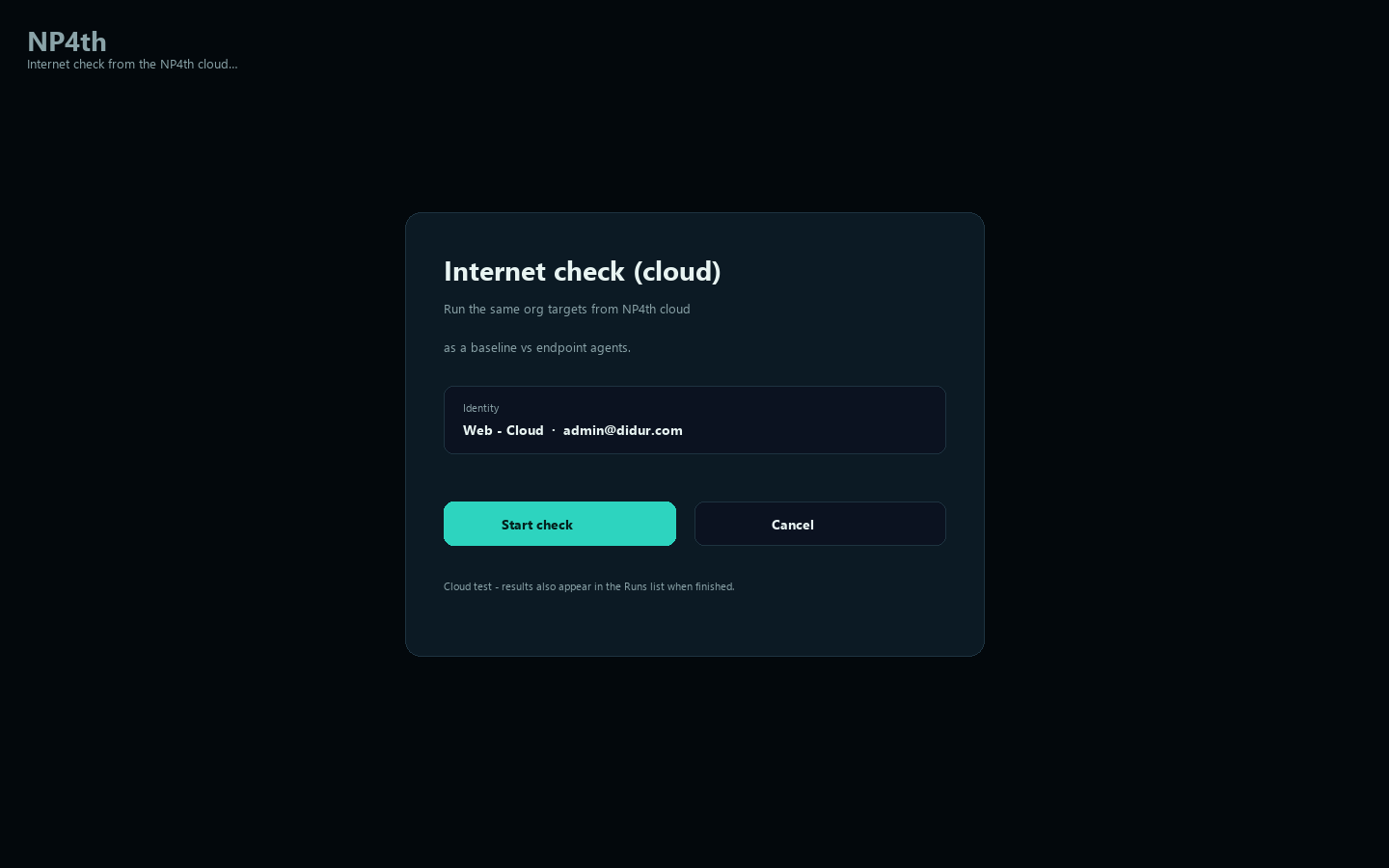
- Compare with Internet check (cloud) to see whether the failure is path-specific.
SSO loops or lockouts
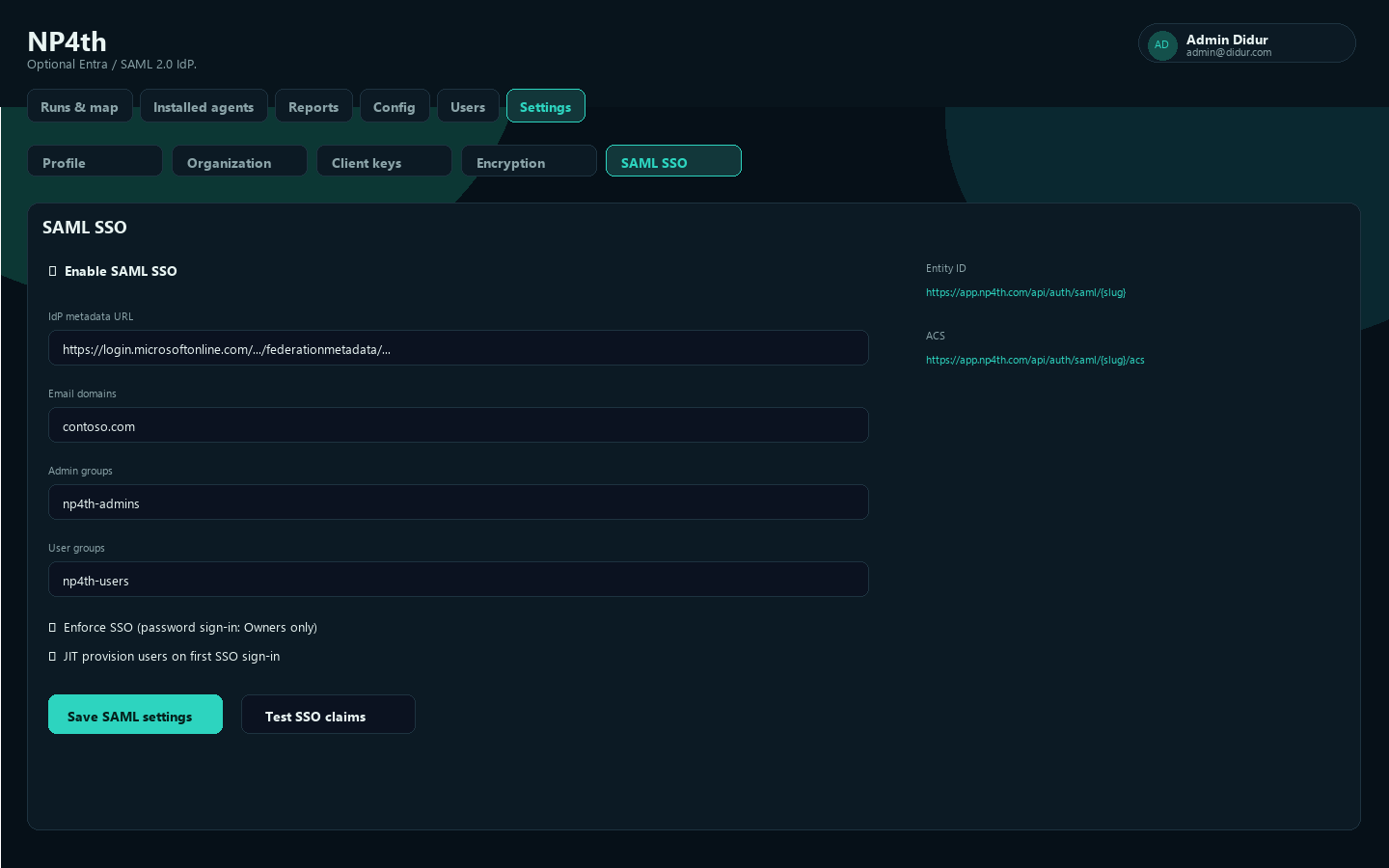
Symptoms: redirect loop, unexpected role, or inability to sign in after Enforce SSO.
- Confirm Entity ID and ACS URLs use your exact tenant slug.
- Re-test with Test SSO claims before enforce.
- Verify Email domains and group object IDs/names.
- Owner break-glass: /dashboard/local.html or
?local=1/?nosso=1. - Temporarily disable enforce, fix mapping, then re-test.
See SSO / SAML.
Permissions matrix
| Problem | Fix |
|---|---|
| Windows interactive test needs location | Turn on Location for desktop apps; use agent Location settings |
| macOS Local Network denied | Grant Local Network for NP4th; re-run Update config |
| macOS ping fails | Expected on some Macs—TCP/TLS still run |
| User cannot open Config / Users / Agent keys | Needs Owner or Admin |
| Waiting on MSA | An Owner or Admin must accept the MSA for the org |
| Silent install fails | Provide /TENANT= and /KEY=; extract ZIP before Install-NP4th.cmd |
| Agents stop uploading after key change | Re-enable key or deploy rotated key; disabled keys block upload |
Still stuck?
Contact support from the marketing site contact form, and include tenant slug, approximate time of the issue, agent device name, and whether the failure is endpoint-only or also visible in Internet check (cloud).